Quote from
fanSte on November 10, 2020, 10:21 am
Hi,
I have a problem with the Avatars on the mobile template of Asgaros.
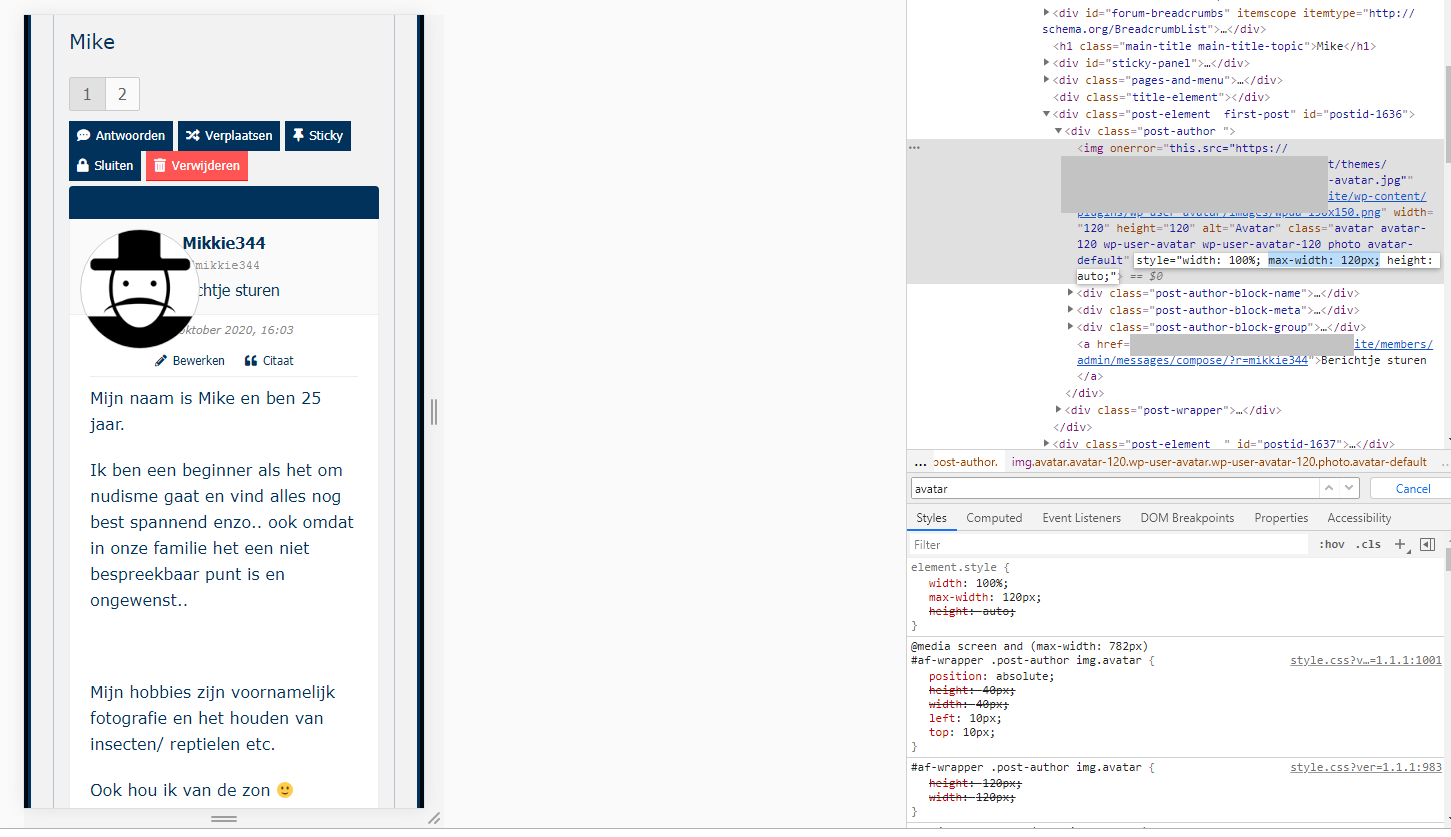
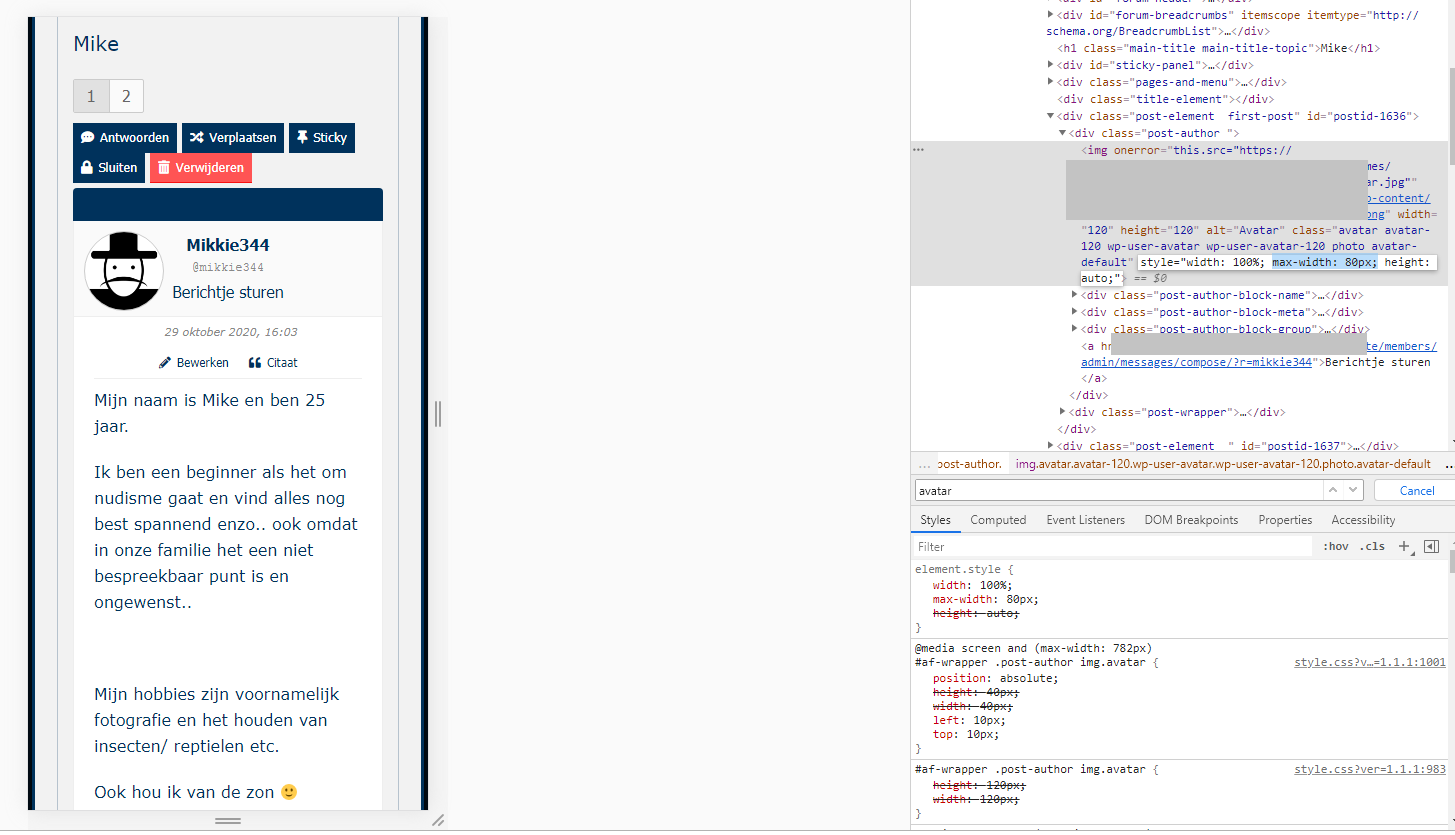
It hovering above the username and text (see screenshots). On the desktop template it’s working fine.
When I change with F12 on PC the max-width: 120px; value to: max-width: 80px; it’s solved.
But how can I do that in the CSS of my Asgaros forum, to save it permanently?
I can’t find max-width: 120px; in the style.css of the Asgaros forum and my Artisteer Wordpress template.
Tnx!
Hi,
I have a problem with the Avatars on the mobile template of Asgaros.
It hovering above the username and text (see screenshots). On the desktop template it’s working fine.
When I change with F12 on PC the max-width: 120px; value to: max-width: 80px; it’s solved.
But how can I do that in the CSS of my Asgaros forum, to save it permanently?
I can’t find max-width: 120px; in the style.css of the Asgaros forum and my Artisteer Wordpress template.
Tnx!
Uploaded files: